How to play The Hollow
A 2000s-style FPS with a semi-open map: short violent fights, long walks, and weather that decides when you can move.
Walk, talk, fight, survive the night. The weapon wheel is on Q, saving is available at any time, and the two settings that change the most are Contrast (added June 2026) and refresh rate, which the developer names as the cause of judder on high-refresh monitors.
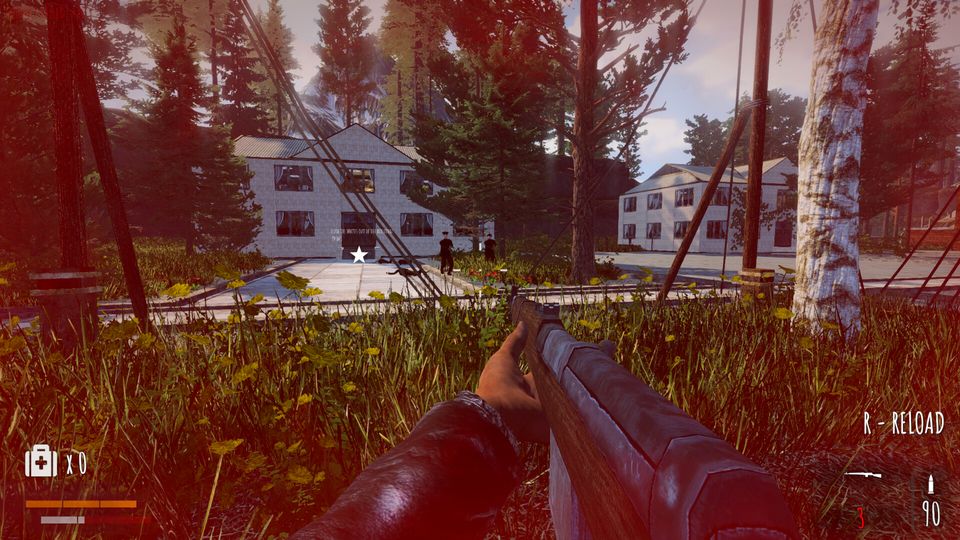
The Hollow plays like a 2000s first-person shooter with a semi-open map on top of it: you walk a lot, you talk to people who may or may not be hostile, you fight in short violent bursts, and the weather decides when you can keep moving. There is no HUD clutter, no quest log to grind through, and no progression tree to optimise. What the game asks instead is that you pay attention to place.
The loop, in the order it actually happens
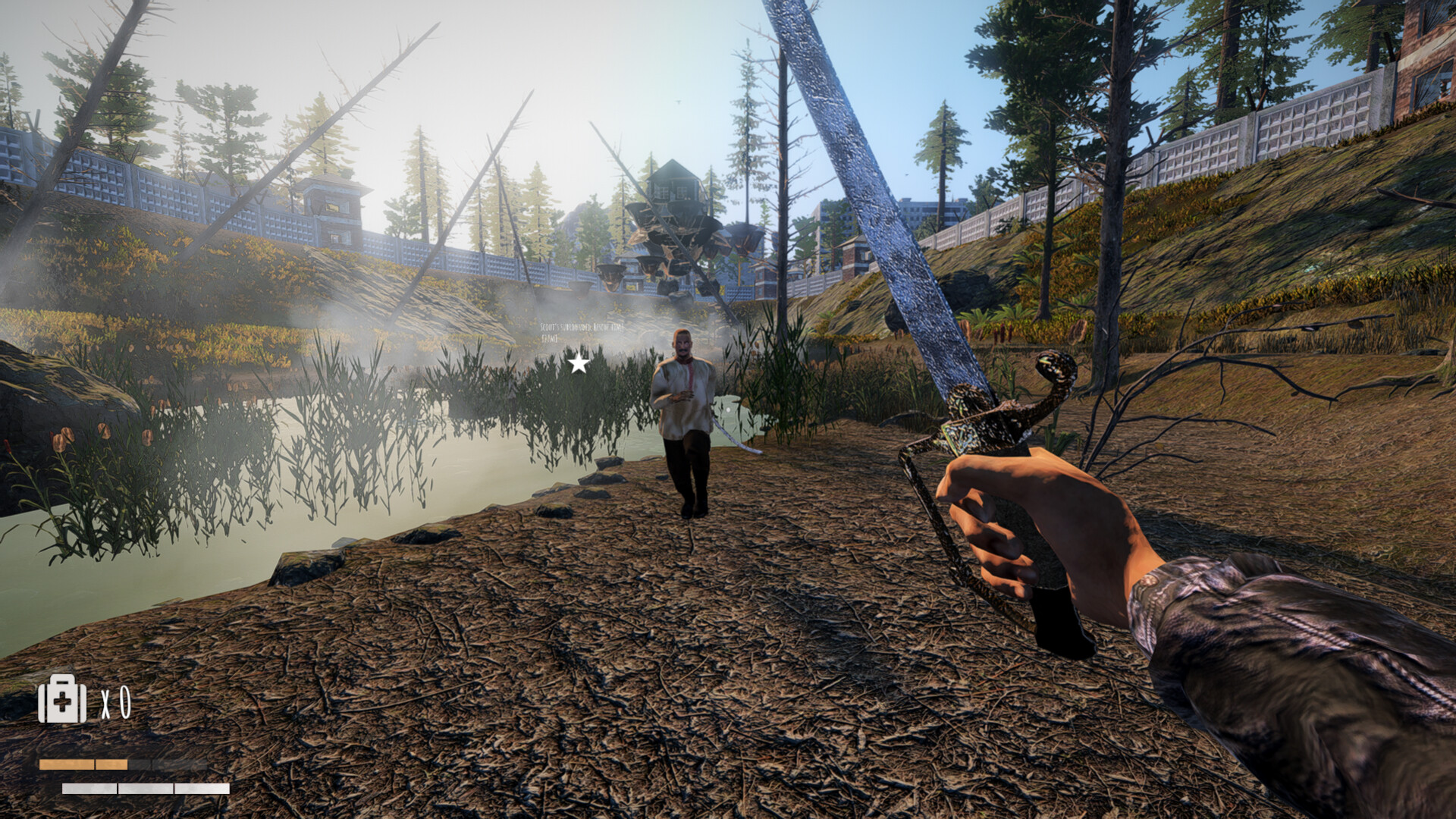
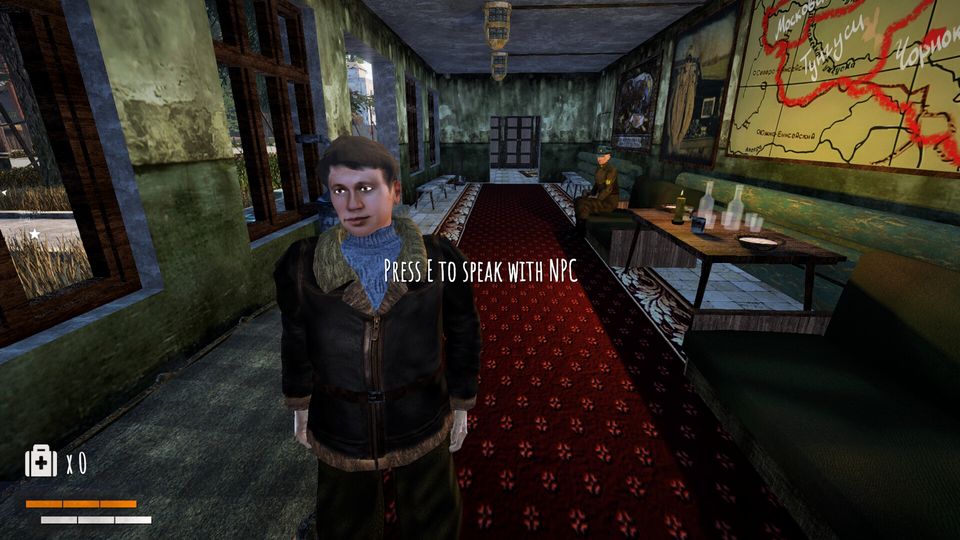
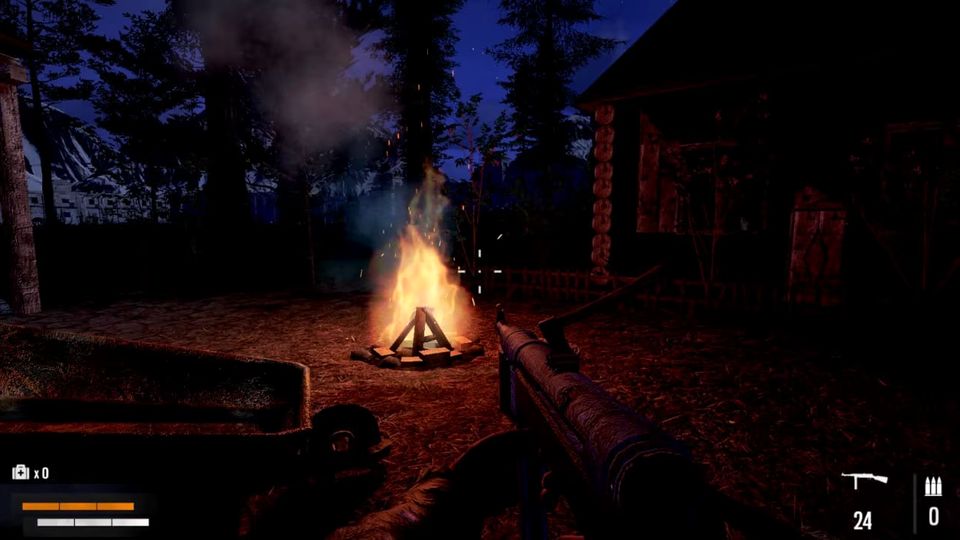
Every location runs on the same four beats. Arrive, usually on foot along a road or a treeline, with fog closing visibility down to a few dozen metres. Talk, because the people behind Zaslon are the ones who tell you what the weapon is and who moved it. Fight, in bursts where a shotgun and cover do more for you than accuracy. Survive the night, either by pushing on through the dark or by sitting at a fire until the light comes back.
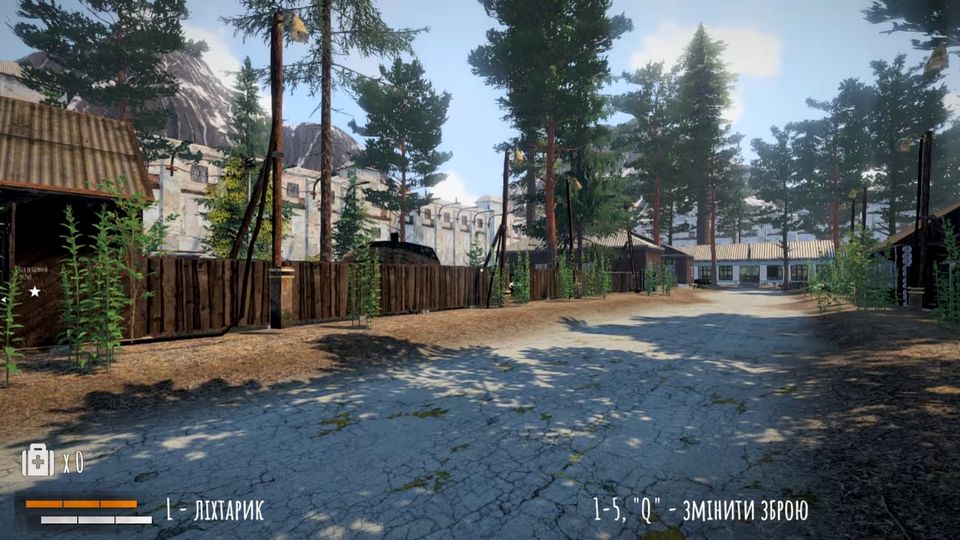
The map is described by the developers as semi-open, which matches what the screenshots show: connected locations with named villages and sites rather than one continuous open world. Named places appear in official material — Vanavara, Sverdlovo, Nahirna Zachepilivka — and the achievement list is built almost entirely around liberating or clearing them.
Controls and input
Standard FPS input applies: move, crouch, fire, reload, interact. The weapon wheel is on Q, and reload is prompted on screen with an R prompt. Full controller support is listed on the store page and has been in since the 9 June 2026 update, which also added separate mouse and gamepad sensitivity sliders — the most requested change on the Ukrainian discussion board before it landed.
If your aim feels wrong, go into the settings rather than the operating system. Earlier builds had no in-game sensitivity control and players were turning their system pointer speed down as a workaround; the sliders have existed since June, so use them.
Saving, and why it matters more here than usual
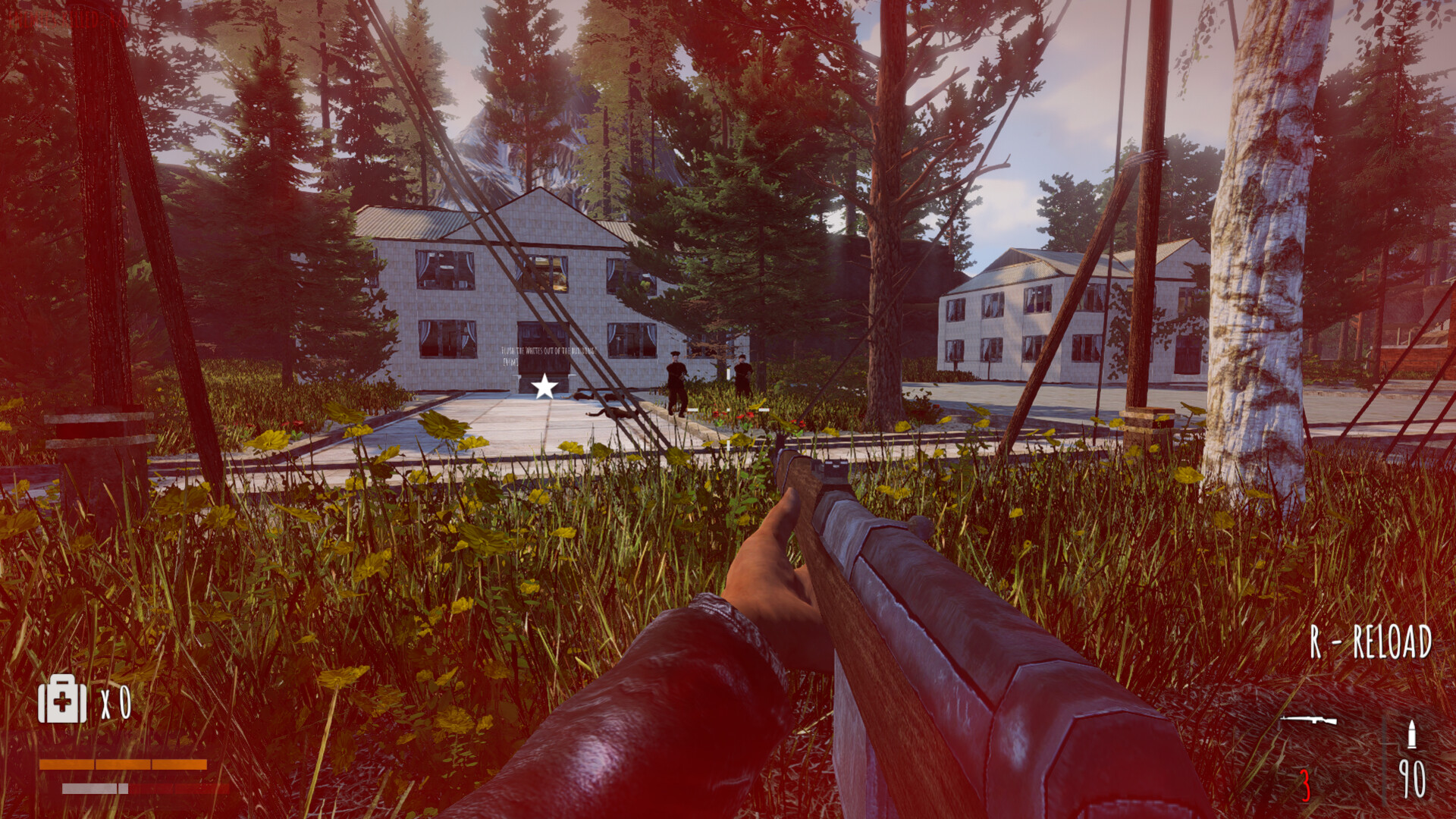
The store page lists Save Anytime, and that is the single most useful feature in the game. There are no autosave checkpoints you can rely on, and a night that turns bad can cost you a long walk. Save before entering a village, before opening a door, and before following anyone into the trees.
Graphics settings that exist
The build has been patched steadily since launch, and the option list reflects that:
| Setting | Added | What it does for you |
|---|---|---|
| Contrast | 3 June 2026 | Picks up detail in the flat, foggy lighting — the single best fix for "I cannot see anything" |
| Mouse / gamepad sensitivity | 9 June 2026 | Per-device aim speed, no system-level workaround needed |
| FSR | 15 June 2026 | Upscaling for weaker GPUs; the recommended spec is an RTX 2050-class card |
| Refresh rate | in build | Judder on high-refresh monitors is fixed by lowering this, per the developer |
A player on a 2K 180 Hz display reported constant image stutter and was told by the studio that the refresh rate was the likely cause and to reduce it in the game's own settings. If you see tearing or stutter that your hardware does not explain, try that before anything else.
Getting around without a marker
Objectives in The Hollow are carried by conversation and by place, not by a floating arrow. When a marker does appear it can also fail: the most-reported problem on the board is finishing the opening quest and then having nothing to follow.
The reliable routine is: return to the person who gave you the task, restart the game if the pointer does not come back, and walk the road between the last two settlements rather than cutting across country. The full troubleshooting list, with what other players hit, is on the quest progression page.
What to bring into the anomaly zone
The zone does not tolerate metal in quantity, which is why the local economy is human labour — and why the arsenal is five weapons rather than fifty. You are carrying an exception, not a loadout. Read weapons for what the five types actually are, and anomalies and weather before your first thunderstorm.