System requirements
The graphics floor is an integrated chip: this runs on a laptop.
Windows 11 only, 13 GB of disk, 8 GB RAM and an Intel Iris XE or Radeon Vega 7 at minimum; recommended is an i5-11400 or Ryzen 5 5600X with 12 GB and an RTX 2050-class card.
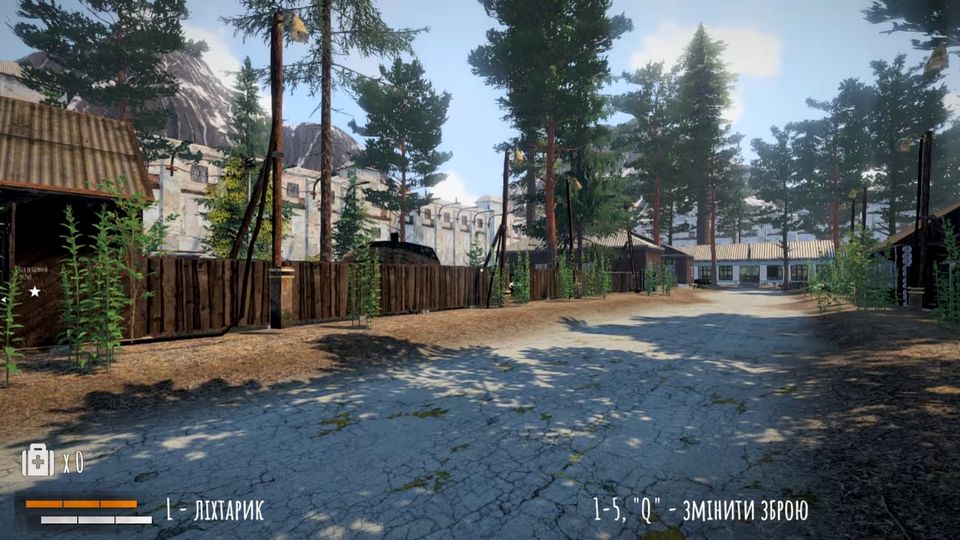
The Hollow asks for Windows 11 and 13 GB of disk. Everything else in the official spec sheet is more forgiving than the setting suggests — the minimum graphics card is an integrated chip, which means this is one of the few anomaly-zone shooters you can run on a laptop.
Official minimum and recommended
| Minimum | Recommended | |
|---|---|---|
| OS | Windows 11 | Windows 11 |
| Processor | Intel I3 6100 or AMD Ryzen 3 1300X | Intel I5 11400 or AMD Ryzen 5 5600X |
| Memory | 8 GB RAM | 12 GB RAM |
| Graphics | Intel Iris XE or Radeon Vega 7 | Nvidia GeForce RTX 2050 4GB or equivalent AMD |
| DirectX | Version 11 | Version 12 |
| Storage | 13 GB available space | 13 GB available space |
| Sound card | DirectX compatible | DirectX compatible |
| VR | None | None |
| Notes | Requires a 64-bit processor and operating system | Same |
Both columns are copied from the store page as published; nothing here is a rule of thumb.
What actually matters
The 64-bit requirement is hard. Both columns list it, and the OS is Windows 11 in both — there is no Windows 10 entry, no macOS build and no Linux build on the store page.
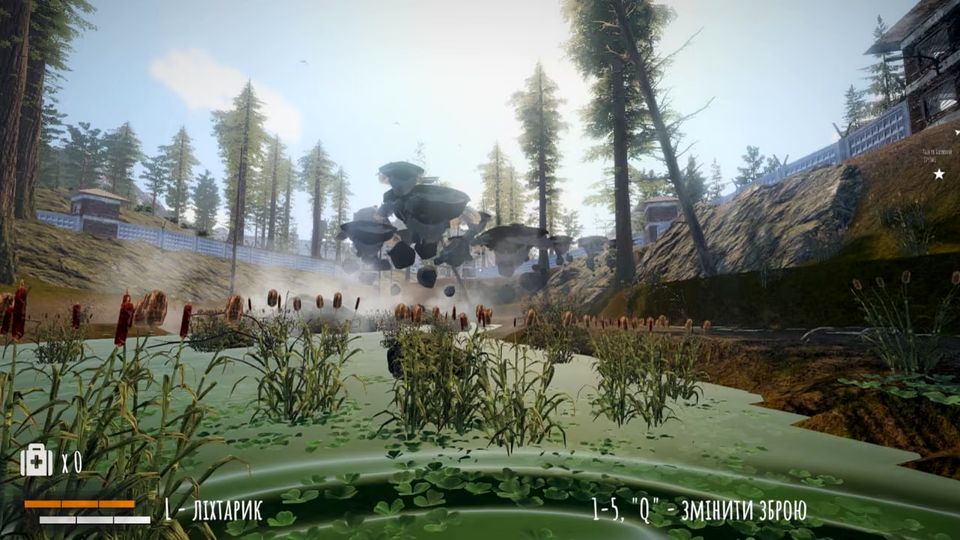
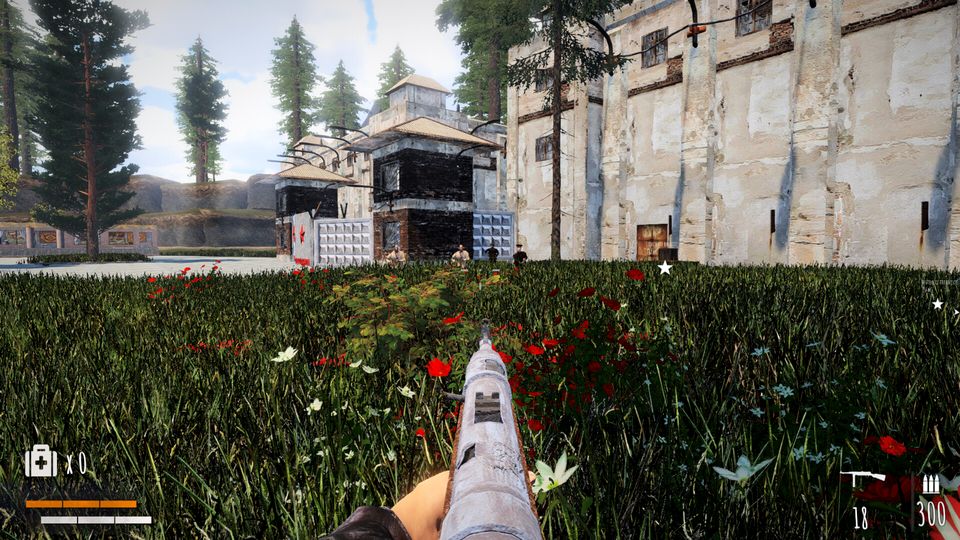
The GPU floor is genuinely low. Intel Iris XE is an integrated GPU. The game is built on 2000s-style graphics as a stated design choice, so the rendering budget is small by modern standards. If you are on a laptop with Iris XE or Vega 7, expect to use upscaling.
FSR exists now. The 15 June 2026 update added FSR to the graphics options, which is the correct lever for integrated and entry-level GPUs. Turn it on before you turn resolution down.
12 GB of RAM is the honest number. The recommended 12 GB sits above the common 8 GB laptop configuration; the minimum says 8 GB, so 8 GB machines are supported but are the floor rather than the target.
13 GB is the whole install. Same number in both columns — there is no separate "recommended install size" trap here.
Settings that change the experience more than the spec sheet
| Setting | Added | Why it matters |
|---|---|---|
| Contrast | 3 June 2026 | The taiga lighting is flat and grey; this pulls shapes out of fog |
| FSR | 15 June 2026 | The upscaler for the integrated-GPU minimum spec |
| Refresh rate | in build | The developer's own fix for judder on high-refresh monitors |
| Mouse / gamepad sensitivity | 9 June 2026 | Per-device aim speed, no OS-level workaround |
A player reported constant image stutter on a 2K 180 Hz display with hardware that should have handled it, and the studio's reply was that the refresh rate was the likely cause — reduce it in the game's settings. That is the first thing to try if your frame pacing looks wrong while the frame rate counter looks fine.
Known performance and input complaints
- Judder at high refresh — lower the in-game refresh rate.
- No in-game sensitivity in early builds — fixed 9 June 2026; players used to lower their system pointer speed instead, which no longer helps.
- Occlusion culling bugs — patched repeatedly across June and July 2026, including a pass on three locations on 6 July. Visual pop-in on older builds is expected to be fixed in current versions.
If your machine is near the minimum, read how to play for the graphics settings in context, and updates for the patch that added each option. The store page itself is the authoritative source for the table above.